

Build a solid 3DS Max foundation for automotive design, from clean modelling workflows to presentation ready visuals and exports.

Learn how to accelerate ideation and visual development, turning sketches and rough inputs into strong design directions with a clean, repeatable workflow.
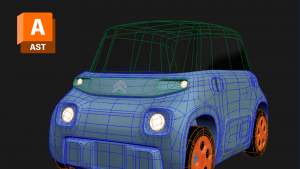
Learn the core Alias surfacing workflow for automotive design, focusing on clean Class A style surfaces, continuity, and efficient iteration.
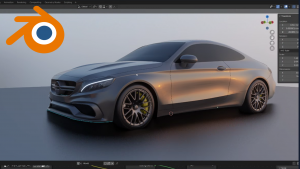
Level up your exterior modelling with advanced topology and non-destructive workflows, building cleaner surfaces faster for design-ready results.
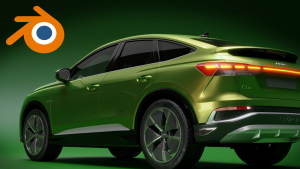
Bring designs to life with Blender animation basics, from keyframes and camera rigs to constraints, motion refinement, and final sequence output.
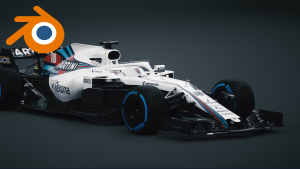
Get confident with Blender for automotive workflows, from clean modelling and scene organisation to materials, lighting, and crisp renders.
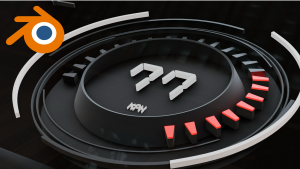
Learn how to build clean HMI style 3D scenes in Blender, from modelling and materials to lighting, cameras, and consistent renders for UI visualization.
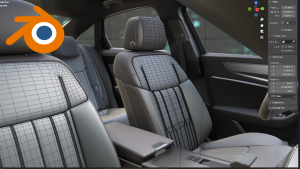
Tackle complex interior geometry with confidence, refining workflow, topology and detailing for high-quality interior models and visuals.

Combine strong still rendering with practical animation skills, so you can deliver both high quality images and compelling moving sequences.

Learn the essentials of building great-looking scenes in Blender, covering data prep, materials, lighting, cameras, and reliable render output.
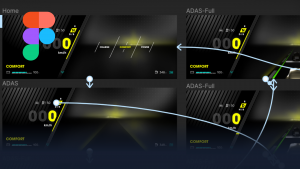
Build scalable HMI systems with advanced prototyping and governance, enabling complex flows, robust libraries, and production-minded handover.
Learn the fundamentals of HMI design in Figma, from layout and components to interaction prototypes ready for reviews and stakeholder alignment.
Strengthen your HMI workflow with smarter components, variants and design systems, improving speed, consistency and collaboration across teams.

Cut through the noise and learn where GenAI genuinely helps mobility design teams, with practical workflows you can apply immediately in real projects.

Get started with parametric design in Grasshopper, building flexible geometry logic that speeds up iteration and supports automotive design exploration.
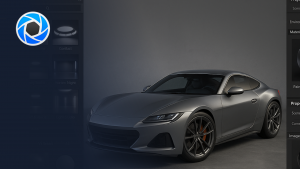
Create clean, professional product renders in KeyShot, from materials and lighting to camera setup and consistent output for design presentations.
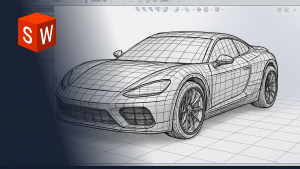
Learn the core Solidworks workflow for automotive projects, building clean parametric CAD models with good structure, control, and export readiness.
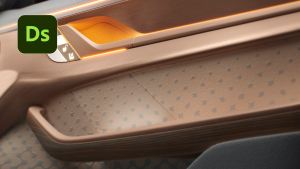
Create reusable, parametric materials with Substance Designer, learning node-based logic that supports rapid CMF iteration and pipeline consistency.
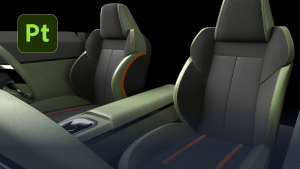
Learn production-ready texturing in Substance Painter, building layered materials, baking maps, and exporting reliable texture sets for downstream tools.
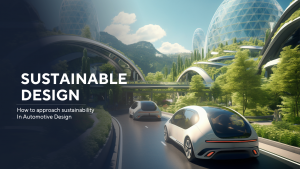
Build a clearer sustainability mindset for automotive design, learning practical principles, material choices, and decision frameworks that translate into better design outcomes.
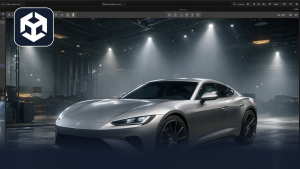
Get a practical Unity foundation for automotive experiences, covering asset import, scene setup, lighting, interaction basics, and presentation outputs.
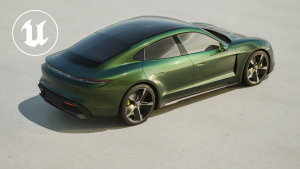
Start using Unreal Engine for real-time automotive visualisation, learning scene building, lighting, materials, interaction basics, and output workflows.
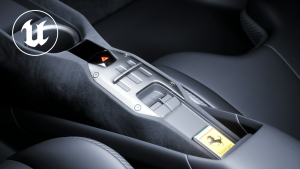
Choose focused Unreal modules to deepen specific skills, from lighting and look dev to VR interaction, blueprints, rigging, and animation for real time automotive experiences.

Push Unreal into cinematic storytelling, mastering sequencer, camera movement, lighting and post processing to create polished film style outputs.

Learn VRED essentials for automotive visualisation, from scene structure and materials to lighting, cameras, and high-quality rendering workflows.
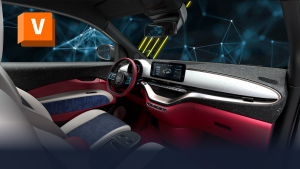
Go beyond the basics in VRED, improving look dev, scene efficiency and output quality with stronger materials, lighting control, and workflow best practice.