
Essentials
English
35 academic hours
9am – 4pm
Break: 12pm – 1pm
Virtual / On location
upon request
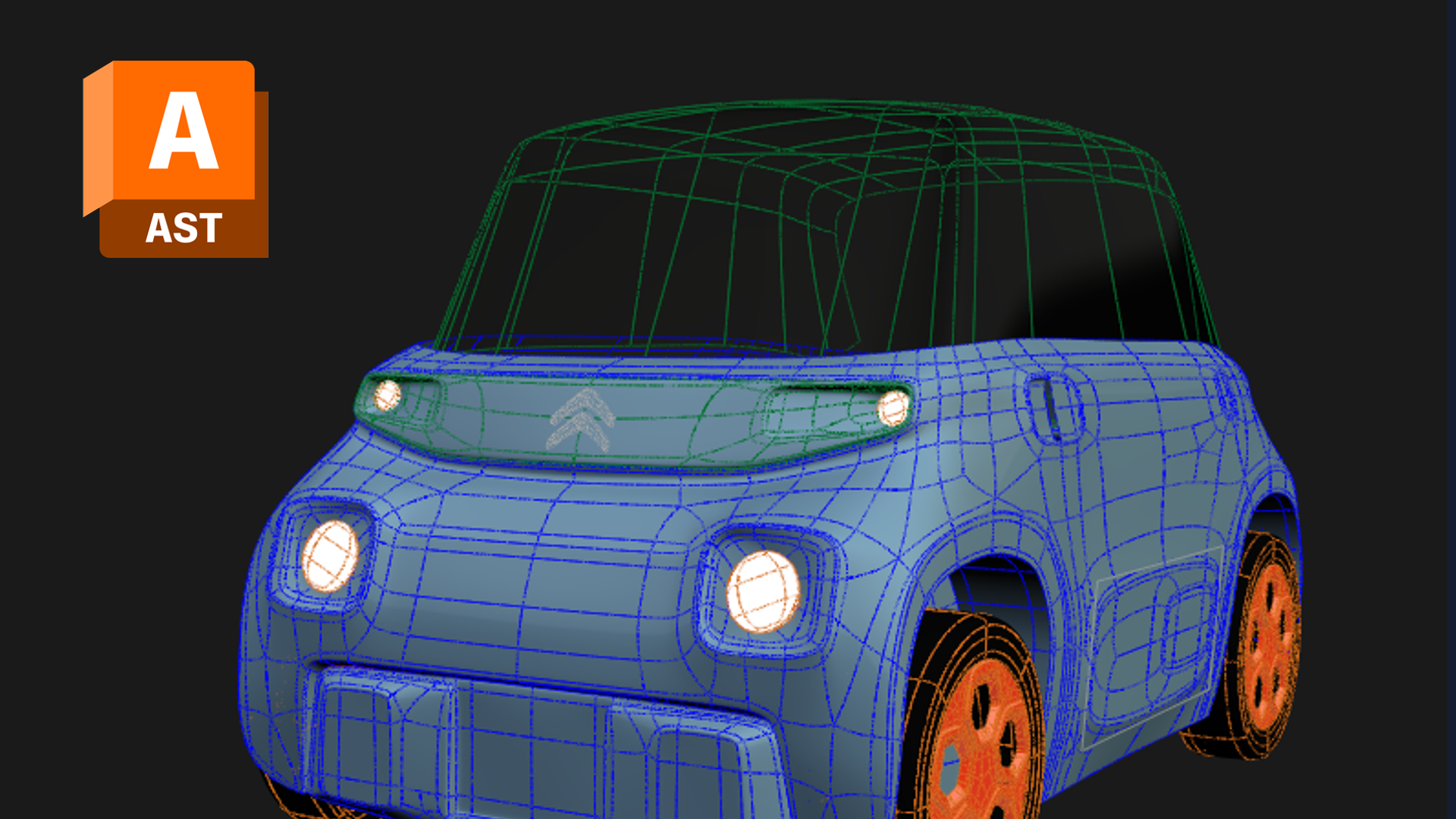
This Alias automotive course teaches the core Sub-D surfacing workflow for automotive design, focusing on clean surfaces, continuity, and efficient iteration. As hands-on Alias training, it builds the foundation designers need for concept modelling and refinement.
This 5-day Alias automotive course introduces your team to the fundamentals of Sub-D modelling in Alias, empowering them to efficiently create high-quality subdivision models tailored for automotive sketch and design. Rather than teaching Alias as a general tool, we frame every session around the concept-modelling and surfacing work that automotive design teams actually do.
Throughout the week, designers build a solid foundation in Sub-D workflows, from understanding the toolset through to achieving clean, presentable models. As a result, they can communicate and refine concepts in 3D with confidence rather than getting stuck in the software. By the end, your team has a flexible, repeatable workflow they can apply to real concept and design work.
Who this alias automotive course is for
This course suits automotive designers and modellers who want a structured foundation in Alias Sub-D modelling for concept and design work. Because it starts with the toolset and fundamentals, no prior Alias experience is required. We deliver it as an intensive five-day format for small groups, so the coaching stays hands-on and rooted in real automotive forms.
Over five days, you will progress from navigating Alias to building clean, presentable Sub-D models. Key outcomes include:
Frequently asked questions
No. This Alias automotive course starts with the toolset and Sub-D fundamentals, so newcomers can follow from day one.
Five days, delivered as an intensive small-group format for focused, hands-on learning.
Clean, presentable Sub-D models suitable for concept communication and design refinement.
Automotive designers and modellers who want a structured foundation in Alias Sub-D modelling.
"*" indicates required fields