
Essentials
English
35 academic hours
9am – 4pm
Break: 12pm – 1pm
Virtual / On location
upon request
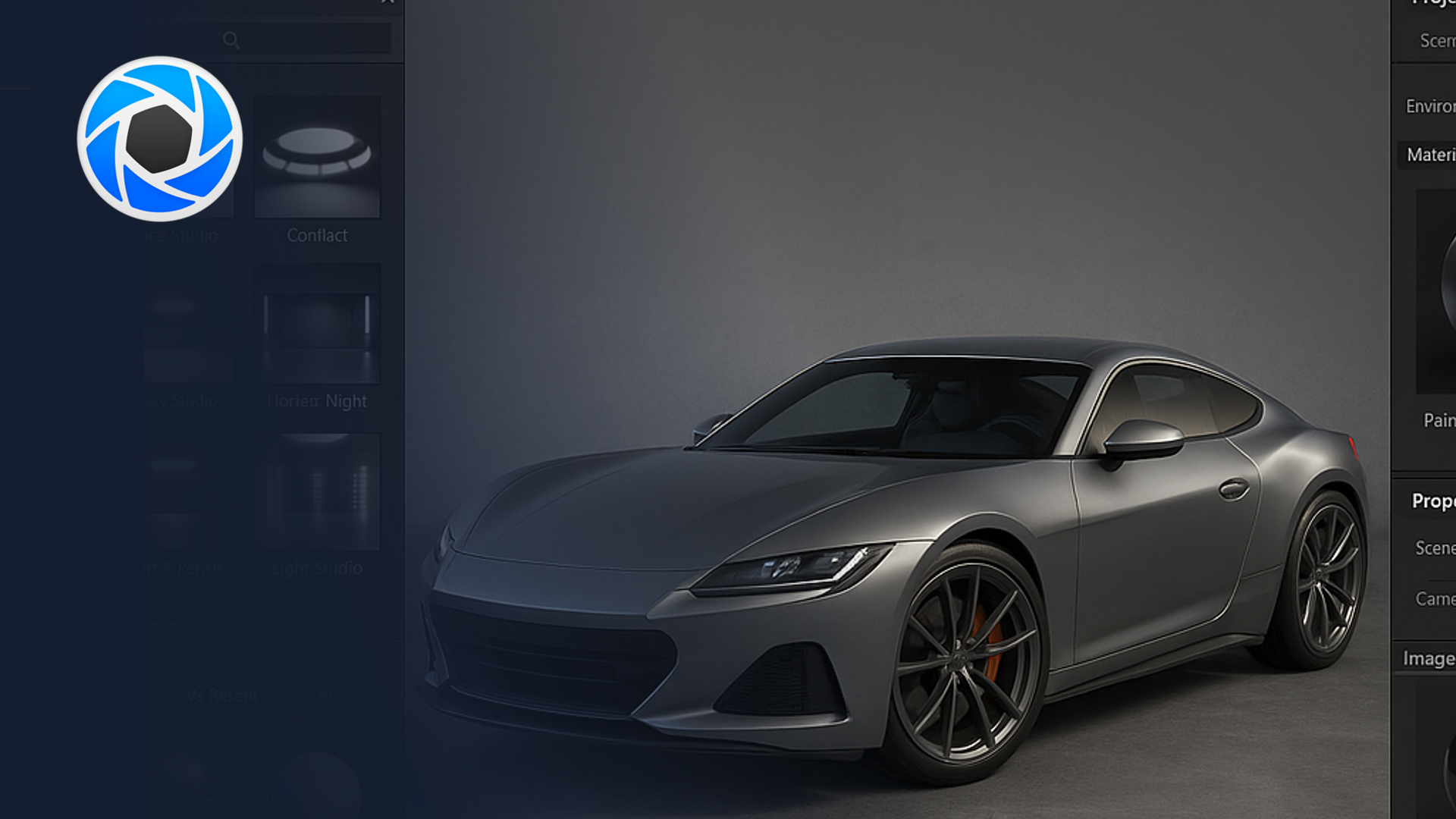
This KeyShot automotive course teaches you to create clean, professional product renders, from materials and lighting through to camera setup and consistent output for design presentations. As hands-on KeyShot training, it focuses on fast, CAD-driven visualisation built for automotive and mobility design.
This 5-day beginner KeyShot automotive course introduces KeyShot as a rendering and visualisation tool for automotive and mobility design. Rather than teaching KeyShot generically, we frame every session around bringing real studio CAD data to life as convincing, presentation-ready images.
Throughout the week, participants learn how to bring in CAD and 3D data from common studio tools, apply convincing automotive materials, design lighting and environments, and produce hero images and simple animations. As a result, designers can turn engineering or concept data into polished visuals quickly, without rebuilding geometry. By the end of the week, each participant will have a small set of polished stills of a vehicle or component, aligned with typical OEM studio expectations and ready for use in decks, boards, and digital showrooms.
Who this KeyShot automotive course is for
This course suits automotive and mobility designers who want fast, high-quality rendering from CAD and 3D data, without a steep technical learning curve. Because it starts with the interface and data import, no prior KeyShot experience is required. We deliver it as an intensive five-day format for small groups, so the coaching stays hands-on and rooted in real vehicle data.
Over five days, you will progress from importing CAD data to exporting finished hero renders. Key outcomes include:
Frequently asked questions
No. This KeyShot automotive course starts with the interface and CAD import, so newcomers can follow from day one.
Five days, delivered as an intensive small-group format for focused, hands-on learning.
A set of polished hero stills of a vehicle or component, plus simple animations, ready for decks, boards, and digital showrooms.
KeyShot is built for fast, CAD-driven rendering with minimal setup, which makes it ideal for quick, high-quality stills from engineering or concept data.
"*" indicates required fields