
Essentials
English & German
35 academic hours
9am – 4pm
Break: 12pm – 1pm
Virtual / On location
upon request
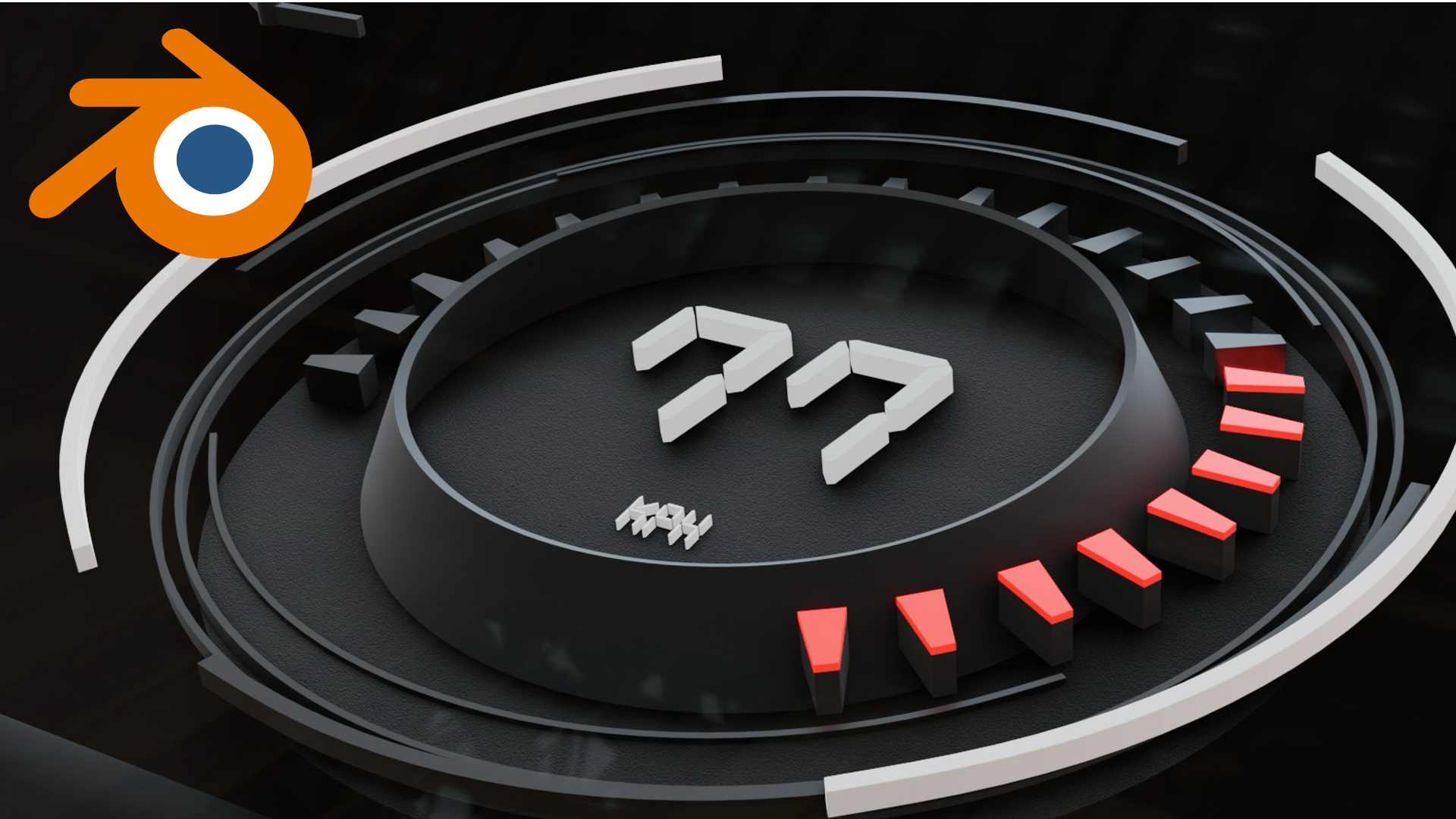
This Blender HMI course shows you how to build clean, HMI-style 3D scenes, from modelling and materials through to lighting, cameras, and consistent renders for UI visualisation. As hands-on Blender HMI training, it focuses on the workflows automotive interface teams actually use.
This Blender HMI course teaches you how to build, animate, and render functional HMI (Human-Machine Interface) prototypes inside Blender. Rather than treating Blender as a general 3D tool, we frame every step around the way automotive interface concepts are designed, reviewed, and presented.
You will start with basic modelling and progress through animated UI overlays and environment setup. As a result, the course gives you a complete foundation to visualise and present HMI concepts in real time, rather than as flat static mockups. By the end, you can take a concept from idea to an animated showcase that communicates how an interface actually behaves in context.
who this Blender HMI course is for
This course suits UI and UX designers, HMI specialists, and visualisation designers who want to present interface concepts in 3D and motion. Because it starts with Blender’s fundamentals, no prior Blender experience is required. We deliver it in a focused, hands-on format, so you practise on realistic HMI scenes rather than abstract exercises.
Throughout the course, you will move from interface basics to a finished, animated HMI showcase. Key outcomes include:
Frequently asked questions
No. This Blender HMI course starts with the interface and modelling basics, so newcomers to Blender can follow along. Looking for something more advanced? Check out our advanced Blender course!
HMI stands for Human-Machine Interface, meaning the screens and interactive displays inside a vehicle, such as instrument clusters and infotainment.
UI, UX, and HMI automotive & mobility designers who want to present interface concepts in 3D and motion rather than flat mockups.
A short, animated HMI showcase rendered in EEVEE, presenting your interface concept in a real 3D environment.
"*" indicates required fields