
Essentials
English
35 academic hours
9am – 4pm
Break: 12pm – 1pm
Virtual / On location
upon request
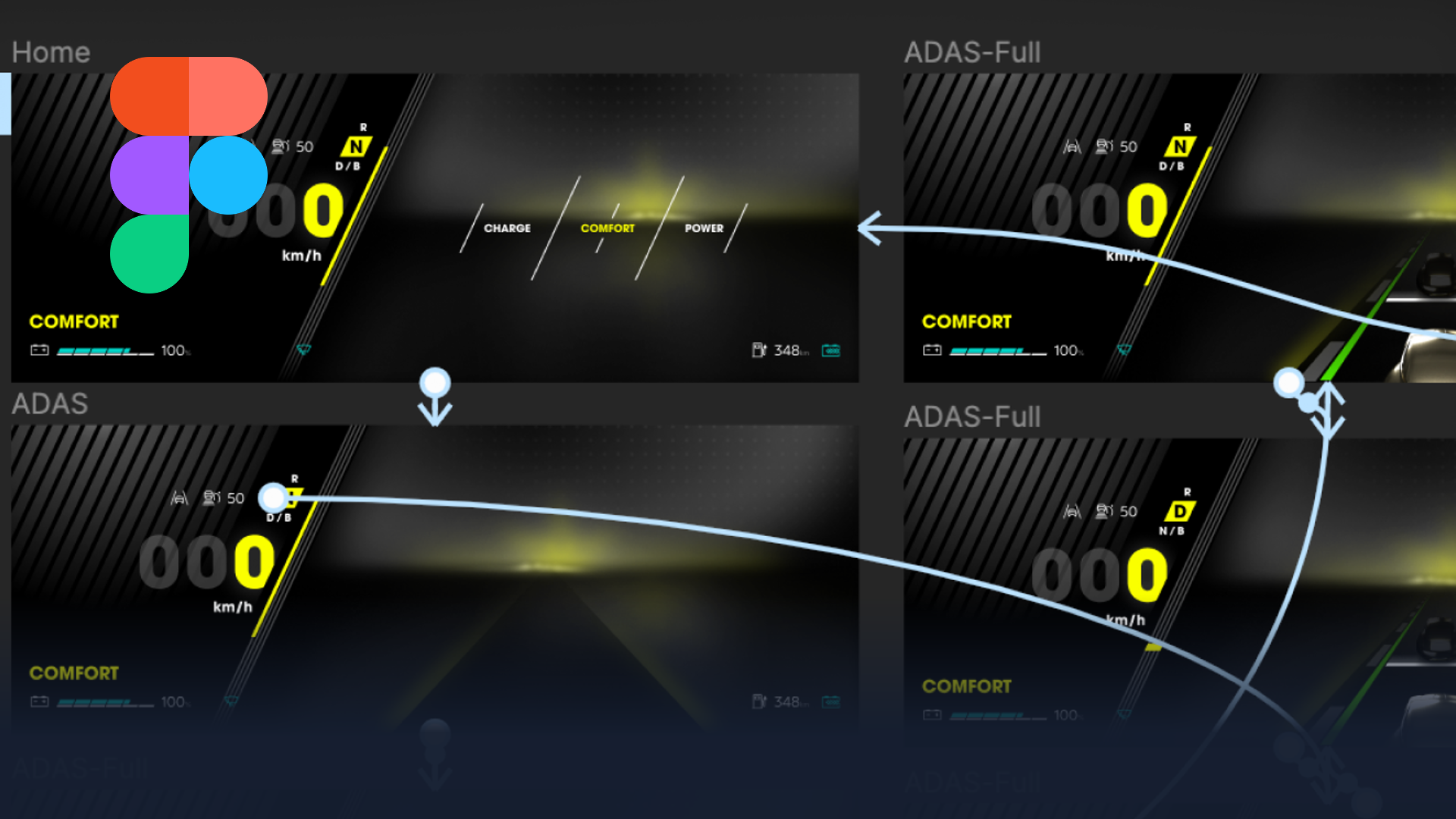
This Figma HMI course teaches the fundamentals of HMI design in Figma, from layout and components through to interaction prototypes ready for reviews and stakeholder alignment. As hands-on Figma HMI training, it focuses on the interface workflows automotive UI teams rely on.
This 5-day Figma HMI course gets your team comfortable with Figma‘s interface, tools, and design workflows, framed around the way HMI and UI concepts are built and reviewed. Rather than teaching Figma in the abstract, we ground each session in interface design that has to communicate clearly to stakeholders.
Whether your designers start from scratch or bring existing design ideas to life, they will learn how to create clean, user-friendly interfaces and interactive components. As a result, the team can move from static layouts to prototypes that actually demonstrate behaviour. Throughout the week, the focus stays on making Figma feel like a natural part of your team’s design process, so the skills carry straight into live projects rather than staying theoretical.
who this figma HMI course is for
This course suits UI and UX designers, HMI specialists, and product designers who want a structured, practical foundation in Figma. Because it starts with the interface and toolset, no prior Figma experience is required. We deliver it as an intensive five-day format for small groups, so the coaching stays hands-on and every participant builds real interfaces.
Over five days, you will progress from navigating Figma to delivering interactive prototypes. Key outcomes include:
Frequently asked questions
No. This Figma HMI course starts with the interface and toolset, so newcomers can follow from day one. Ready for some more advanced? Check out our Figma Intermediate or Figma Advanced courses!
Five days, delivered as an intensive small-group format for focused, hands-on learning.
Clean, user-friendly interfaces and interactive prototypes ready for reviews and stakeholder alignment.
UI, UX, and HMI designers who want a practical, structured foundation in Figma.
"*" indicates required fields