
Essentials
English
35 academic hours
9am – 4pm
Break: 12pm – 1pm
Virtual / On location
upon request
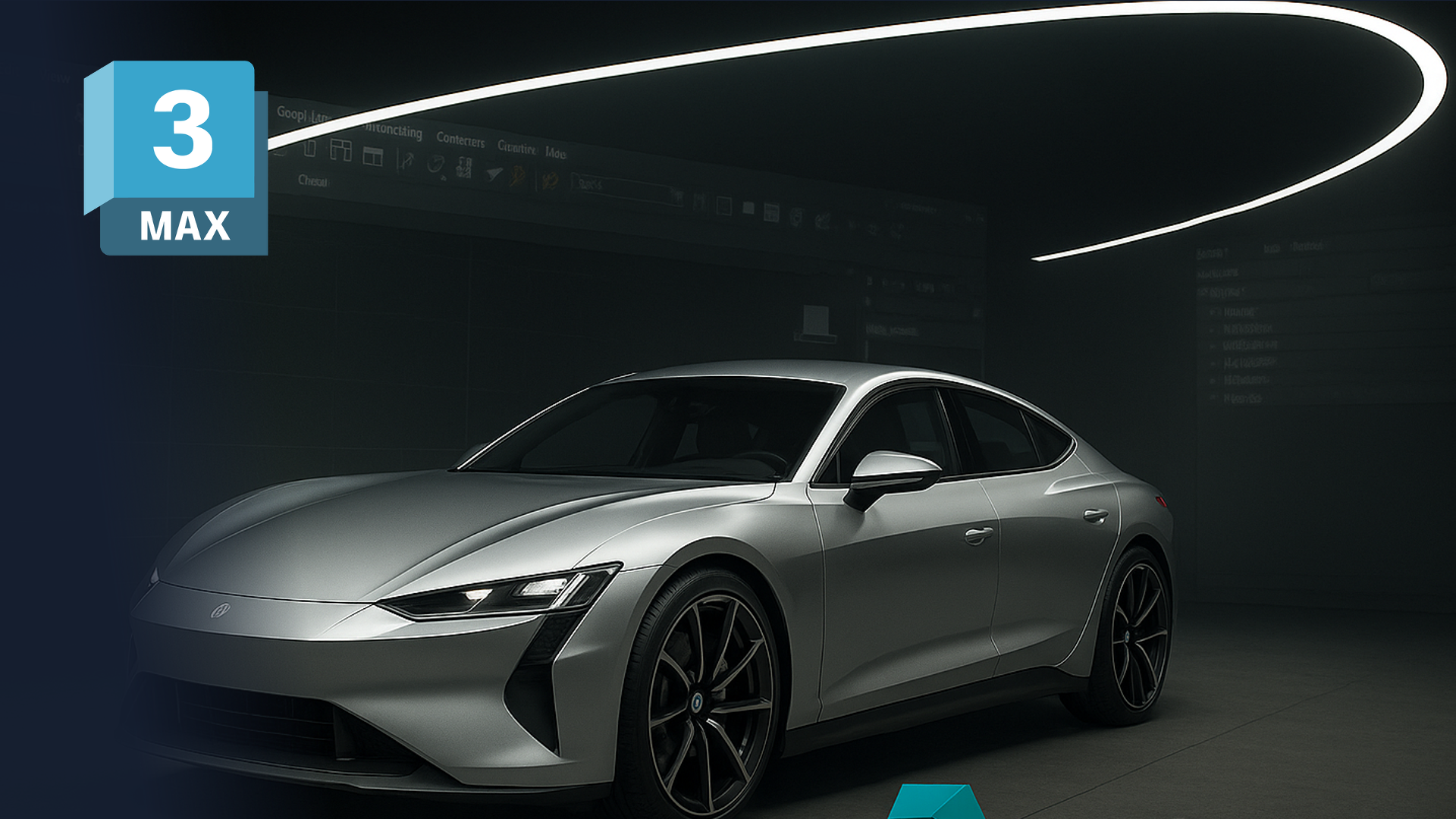
This 3ds Max automotive course builds a solid foundation for automotive design, from clean modelling workflows through to presentation-ready visuals and exports. As hands-on 3ds Max training, it focuses on the modelling and visualisation workflows automotive studios actually use.
This 5-day introductory 3ds Max automotive course gives automotive and mobility designers a solid foundation in 3ds Max as a modelling and visualisation tool. Rather than teaching 3ds Max as a general package, we frame every session around vehicle forms, studio lighting, and the presentation standards a design review demands.
Throughout the week, participants learn how to block out vehicle forms, add key exterior details, set up studio-style lighting, and produce convincing renders. As a result, they cover the full path from blank scene to finished image in a single tool. By the end of the week, each participant will have built a simple vehicle model, applied believable materials, and rendered a small set of “hero” images aligned with typical studio workflows, ready to plug into wider visualisation pipelines or real-time tools.
Who this 3ds Max automotive course is for
This course suits automotive and mobility designers who want a structured foundation in 3ds Max for both modelling and visualisation. Because it starts with the workspace and fundamentals, no prior 3ds Max experience is required. We deliver it as an intensive five-day format for small groups, so the coaching stays hands-on and rooted in real automotive projects.
Over five days, you will progress from navigating 3ds Max to rendering finished hero images. Key outcomes include:
Frequently asked questions
No. This 3ds Max automotive course starts with the workspace and fundamentals, so newcomers can follow from day one.
Five days, delivered as an intensive small-group format for focused, hands-on learning.
A simple vehicle model with believable materials and a small set of rendered hero images, plus exportable assets ready for wider pipelines.
Automotive and mobility designers who want a structured foundation in 3ds Max for modelling and visualisation.
"*" indicates required fields