
Intermediate
English
35 academic hours
9am – 4pm
Break: 12pm – 1pm
Virtual / On location
upon request
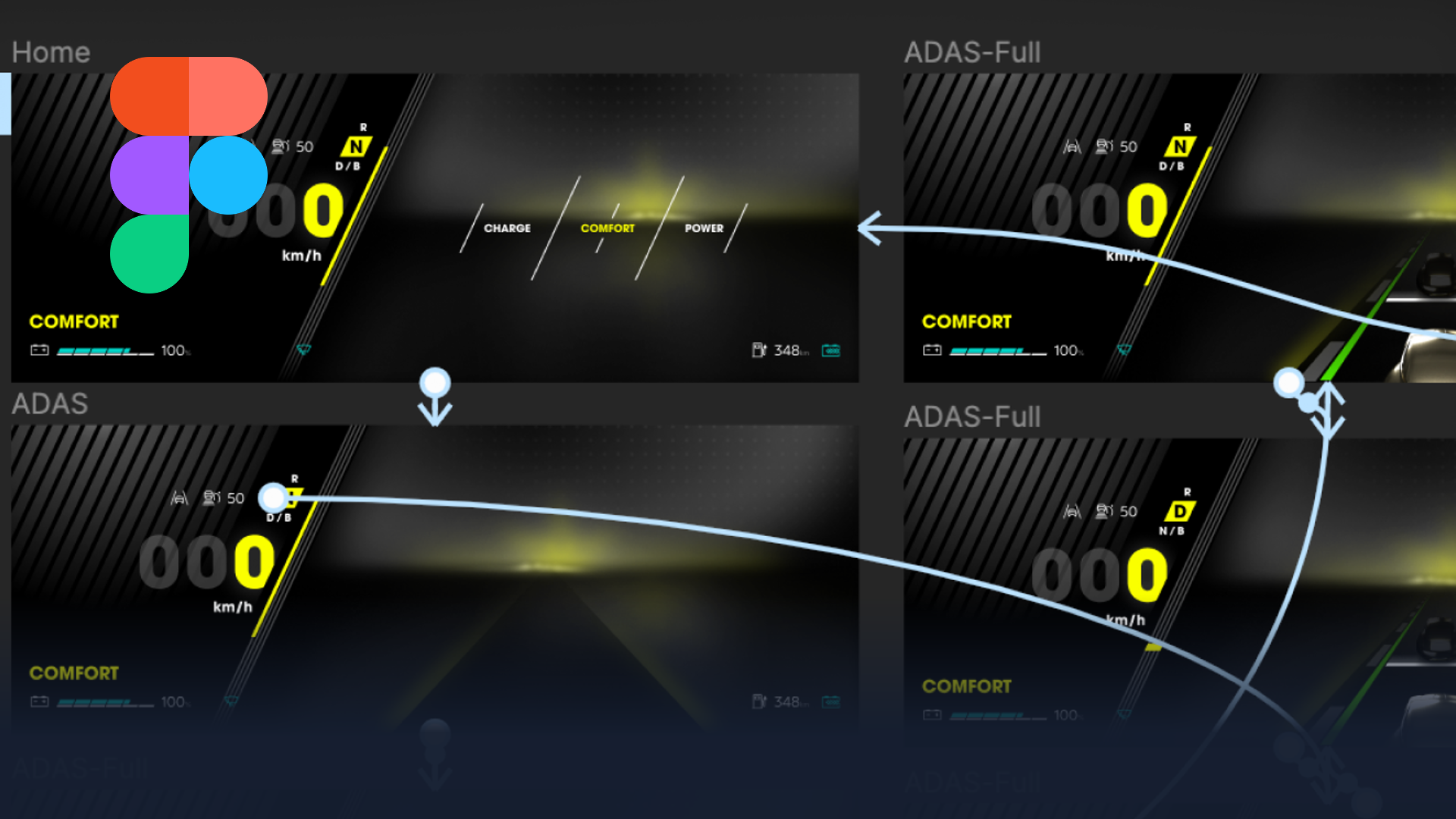
This Figma HMI design course strengthens your workflow with smarter components, variants, and theming, improving speed, consistency, and collaboration across teams. As advanced Figma HMI training, it takes you from designing screens to building systems that scale.
This 5-day Figma HMI design system course takes HMI designers from “I can design screens” to “I can build a scalable HMI system that stays consistent across variants, themes, and handoff.” Rather than focusing on individual layouts, we concentrate on the architecture that keeps a whole interface coherent as it grows.
Throughout the week, the focus stays on advanced layout control, component architecture, tokens and theming, and believable prototyping that supports real review moments with engineering and product. As a result, your designers stop rebuilding the same elements and start working from a system that scales. By the end, they can independently design, maintain, and hand off a production-ready HMI design system in Figma, including scalable components, responsive layouts, theming, and high-fidelity prototypes.
who this figma HMI design course is for
This Figma HMI design course suits HMI and UI designers who already design confidently in Figma and now want to build systems rather than one-off screens. Because it builds on existing Figma skills, some prior experience is essential. We deliver it as an intensive five-day format for small groups, so the coaching stays hands-on and every participant works on a real system.
Over five days, you will move from individual components to a complete, handoff-ready design system. Key outcomes include:
Frequently asked questions
Yes. This is an advanced course, so you should already design confidently in Figma before building systems on top of those skills. Looking for a beginner course? Check out our Figma HMI Essentials course!
The beginner course teaches you to design screens. This course teaches you to build a scalable, maintainable HMI design system, with tokens, theming, responsive layouts, and production-ready handoff.
Five days, delivered as an intensive small-group format for focused, hands-on learning.
A production-ready HMI design system in Figma, including scalable components, theming, responsive layouts, and high-fidelity prototypes.
"*" indicates required fields