
Essentials
English
35 academic hours
9am – 4pm
Break: 12pm – 1pm
Virtual / On location
upon request
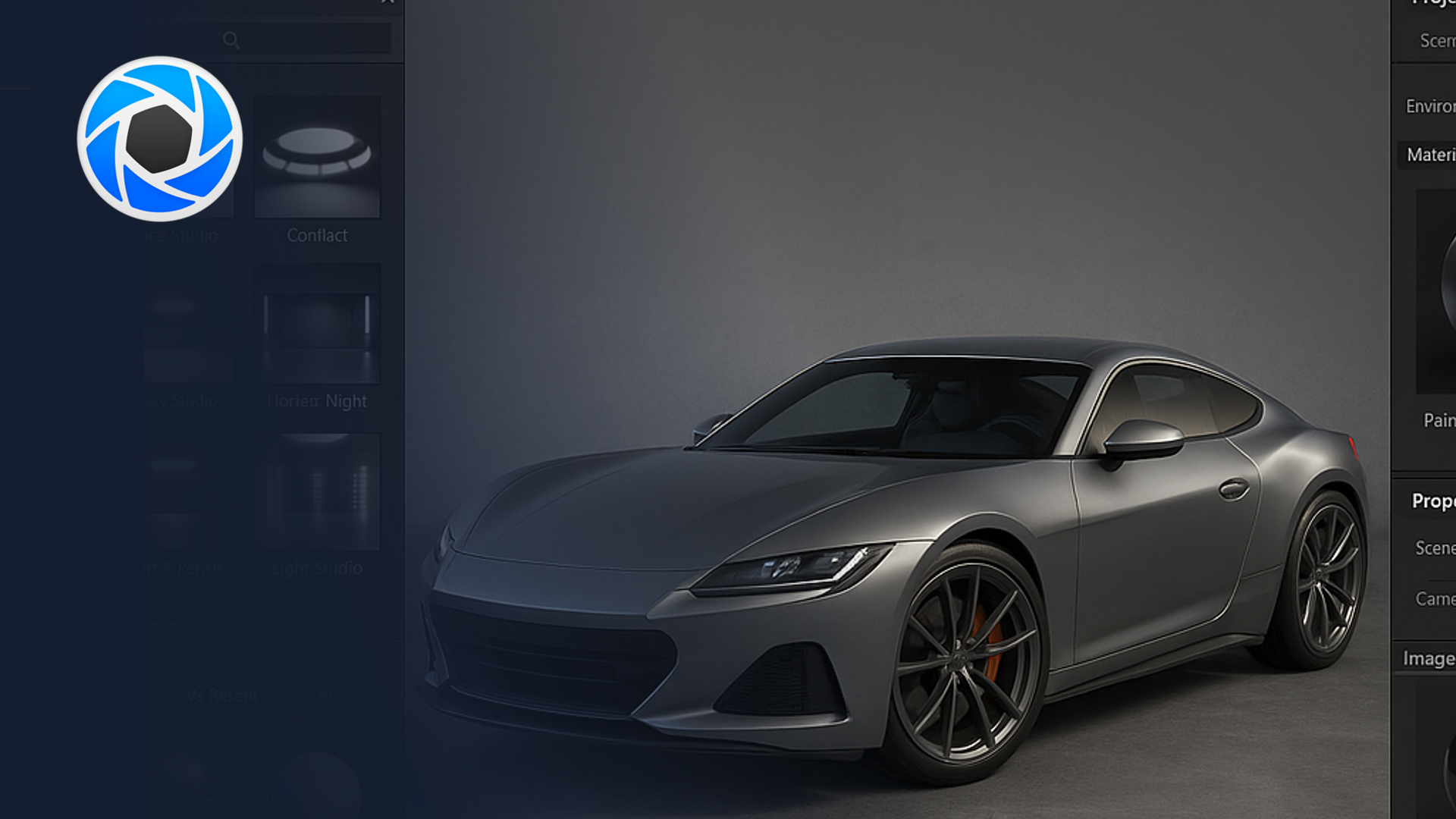
Create clean, professional product renders in KeyShot, from materials and lighting to camera setup and consistent output for design presentations.
This 5-day beginner course introduces KeyShot as a rendering and visualisation tool for automotive and mobility design. Participants learn how to bring in CAD/3D data from common studio tools, apply convincing automotive materials, design lighting and environments, and produce hero images and simple animations for design reviews, marketing teasers, and stakeholder presentations.
By the end of the week, each participant will have a small set of polished stills of a vehicle, or vehicle component aligned with typical OEM studio expectations and ready for use in decks, boards, and digital showrooms.
"*" indicates required fields