Blender | HMI Essentials

Level

Essentials

Language

English & German

Course length

35 academic hours

Course hours

9am – 4pm
Break: 12pm – 1pm

Location

Virtual / On location
upon request

Contact us

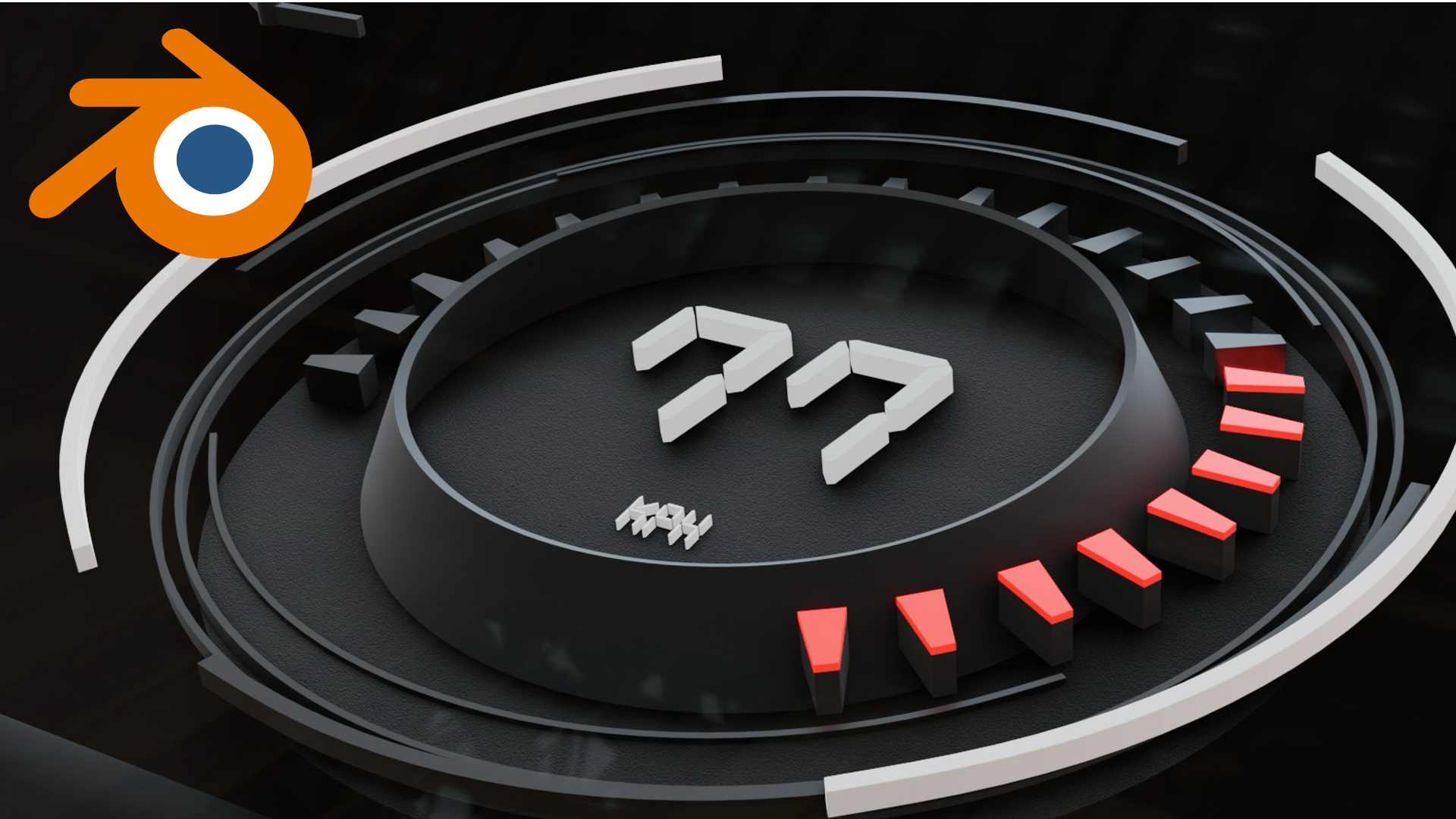
Learn how to build clean HMI style 3D scenes in Blender, from modelling and materials to lighting, cameras, and consistent renders for UI visualization.

Course Goals

Learn how to build, animate, and render functional HMI (Human-Machine Interface) prototypes inside Blender.

From basic modelling to animated UI overlays and environment setup, this course gives you the foundation to visualise and present HMI concepts in real-time.

Key outcomes

  • Understand Blender’s interface and poly-modelling tools
  • Build basic screen-based UI designs (HUDs, icons, flat elements)
  • Animate UI motion using keyframes and camera movements
  • Create simple materials and apply lighting for context
  • Import environment data (e.g. GIS street data) and assets (e.g. cars)
  • Present a short, animated HMI showcase in EEVEE

Interested in a learning course? Contact us!

"*" indicates required fields

This field is for validation purposes and should be left unchanged.

All fields are mandatory